
Sidebox for your workflow
Organize your developer projects, links, and assets
You remember the code. It is the deployment account, analytics property, logo export, and launch files that get scattered. Sidebox keeps that context with the product it belongs to.
Give every product a recognizable home
Start with the product name, description, website, logo, and lifecycle. One Sidebox project represents one app, site, SaaS product, experiment, or brand, rather than an individual task.
The project overview combines identity, connected signals, recent activity, and quick access. When you come back after a few weeks, you can orient yourself before opening the repository.
Keep useful destinations with the project
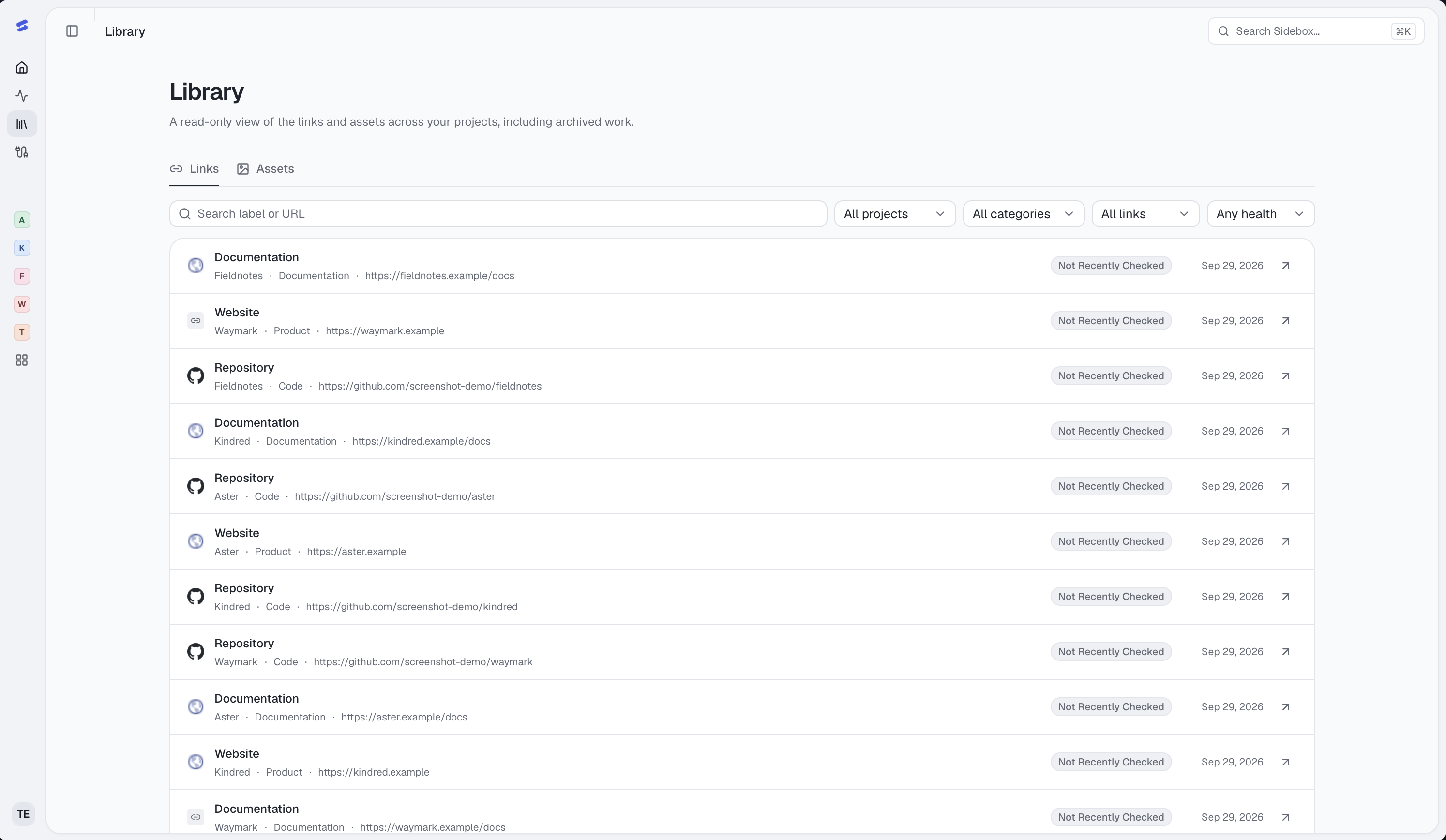
Save the URLs you repeatedly look up: production site, repository, deployment dashboard, domain registrar, design file, documentation, and support destination. Favorites and quick access make recurring destinations easier to reach.
Connect supported services when you want their data as well as a link. A saved Figma or registrar URL is a resource; it does not imply a data integration or permission to change that service.
Retrieve the right brand and files
Keep brand details and reusable assets with their product, including logos, screenshots, and launch material. Use names that identify purpose and variant so you can distinguish a dark logo export from the source file.
Workspace Library brings project links and assets together with search and filters. Resources retain their project identity, including an explicit archive state for archived-project resources.
Return to an older project with context
Use project switching and the command palette to reach the product or resource you need. Review activity and provider freshness before assuming the last known state is still current.
Sidebox supports project organization and operational visibility. Keep detailed planning, team discussions, and issue tracking in the tools you already use, with their destinations saved alongside the product.